Write your affirmation for 68 seconds
Write your affirmation of the month in lines, like at school, and feel for 68 seconds that you already have what you want.
- 5 min
- 5 steps

Why do it
When you really want something, do this exercise with the most important New Moon affirmation of your month.
What you need
- Paper
- A pen
How it goes
5 steps
Settle at a table with a sheet of paper and a pen.
Choose your most important affirmation of the month: a sentence that supports your wish, written as if it had already come true.
For example
I am so excited to have found a job
When you can, start your sentence with “I am”.
Imagine you are telling a friend your good news, and keep that picture in mind while you write.
Write your sentence in “lines”, like schoolchildren of the past who had to copy the same sentence: copy it line after line, dozens of times if you can, for at least 68 seconds. Feel that you already have what you want.
Repeat it every day, or twice a day, for at least 68 seconds.
What it is
It is a concentration exercise that goes with a New Moon wish. An affirmation is a sentence that supports that wish, and writing it in “lines” borrows the exercise of schoolchildren of the past.
What makes it magic
The idea is that repeating affirmations is a waste of time if you do not wish from the heart and do not feel the thing as already received. The practice asks for at least 68 seconds, every day or twice a day, of fully imagining that you have what you want and feeling it. Copying the sentence helps you stay focused during those 68 seconds. While you write, you imagine telling a friend the good news.
When
Whenever you like: the books give it no day and no Moon phase.
The Asteria app for iPhone
Rituals, guided step by step
Asteria is an astrology, tarot and ritual app for iPhone.
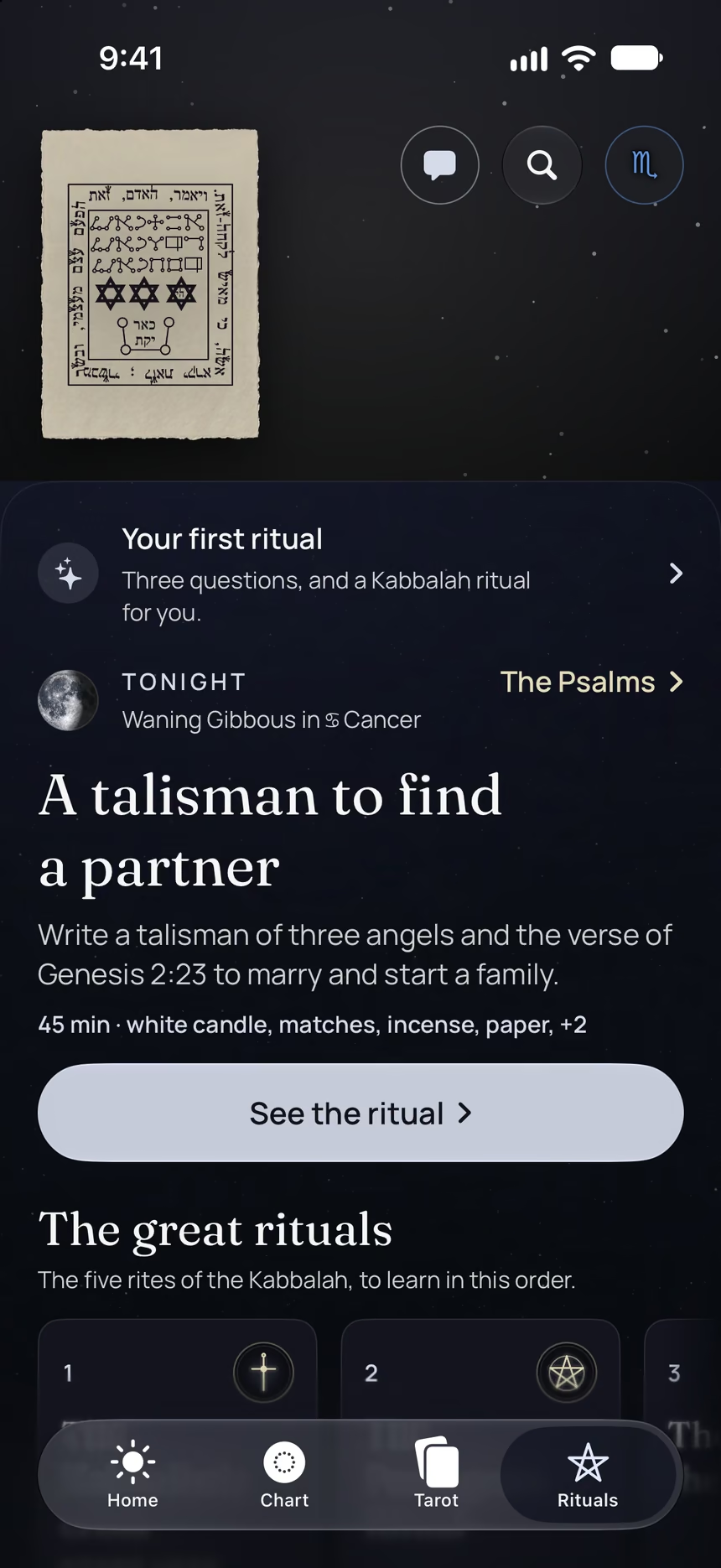
- This ritual, guided step by step by voice.
- The reading of the day.
- Your complete chart.
Point your iPhone at this code.
Asteria is in free beta on iPhone. The button opens TestFlight, Apple’s app for betas: install it, then Asteria.
iPhone, iOS 26 or later
In the same family
 5 minFind out what you wantAsk for clarity, then ask yourself “What do I want?” and pay attention to what comes.
 20 minA hot candlelit bathTake a hot bath by the light of non-toxic candles, and unwind in the water.
 20 minMake a twelve-month planWrite a plan for the year ahead, a second one for the two of you if you are in a couple, and one for your work if you like.
 10 minYour five most important thingsWrite the five things that matter most to you, then check that your life lets you focus on them.
 15 minTest your intuition with cardsWrite down your hunches, play with a Tarot or Archangel card deck, then check what happens.
 10 minLet go before the New MoonTake it gently, chant a mantra of surrender, rest and dream big, just before the New Moon.