Find out what you want
Ask for clarity, then ask yourself “What do I want?” and pay attention to what comes.
- 5 min
- 4 steps

Why do it
You can’t get what you want until you know what you want. When you are really clear about it, it is much easier to make it happen. If you don’t know, the answer lies within you.
How it goes
4 steps
Ask for clarity from whoever you feel can help you: the Universe, God, the Goddess, your higher self, your archangels or spirit guides.
Say
I ask for clarity to know what I want.
Your higher self is the part of you that knows you are connected to all life everywhere.
Then, or instead, ask yourself this.
Say
What do I want?
Pay attention to the messages, thoughts and ideas that come to you.
Come back to this question throughout the day, or at the start or end of your meditations.
What it is
It is a way of looking for the answer within yourself, what is called “going within”. It is meant for anyone who wants to make a New Moon wish and does not know what they want.
What makes it magic
It is held that a higher power guides us, whether we call it the higher self, the Creator, the Universe, the Source or God. The higher self is the part of you that knows you are connected to all life: the idea is that the more you connect with it, the better you can make your desires come true, and that meditation is a way to do it. It is also held that meditation helps you see what you really want, instead of making a wish on a whim.
When
Whenever you like: the books give it no day and no Moon phase.
The answer can come if you persist. If you feel you can’t do it alone, ask for a new spiritual teacher to come into your life.
The Asteria app for iPhone
Rituals, guided step by step
Asteria is an astrology, tarot and ritual app for iPhone.
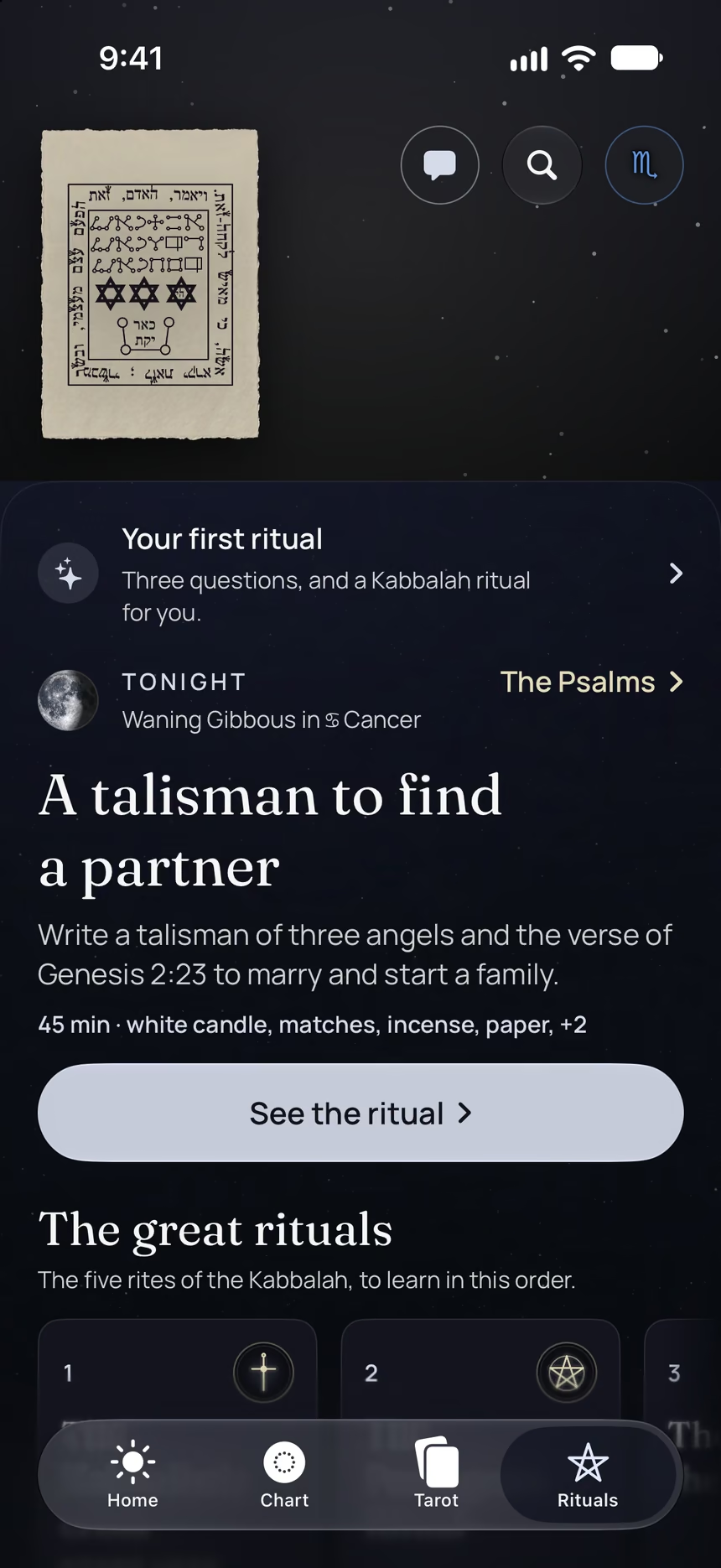
- Its 4 steps, guided one by one by voice, with the words to say.
- The reading of the day.
- Your complete chart.
Point your iPhone at this code.
Asteria is in free beta on iPhone. The button opens TestFlight, Apple’s app for betas: install it, then Asteria.
iPhone, iOS 26 or later
In the same family
 20 minA hot candlelit bathTake a hot bath by the light of non-toxic candles, and unwind in the water.
 20 minMake a twelve-month planWrite a plan for the year ahead, a second one for the two of you if you are in a couple, and one for your work if you like.
 10 minYour five most important thingsWrite the five things that matter most to you, then check that your life lets you focus on them.
 15 minTest your intuition with cardsWrite down your hunches, play with a Tarot or Archangel card deck, then check what happens.
 10 minLet go before the New MoonTake it gently, chant a mantra of surrender, rest and dream big, just before the New Moon.
 2 minThe kiss in the mirrorBlow your reflection a kiss and say “I love you” to it, right after making your New Moon wishes.