Mark the end of work
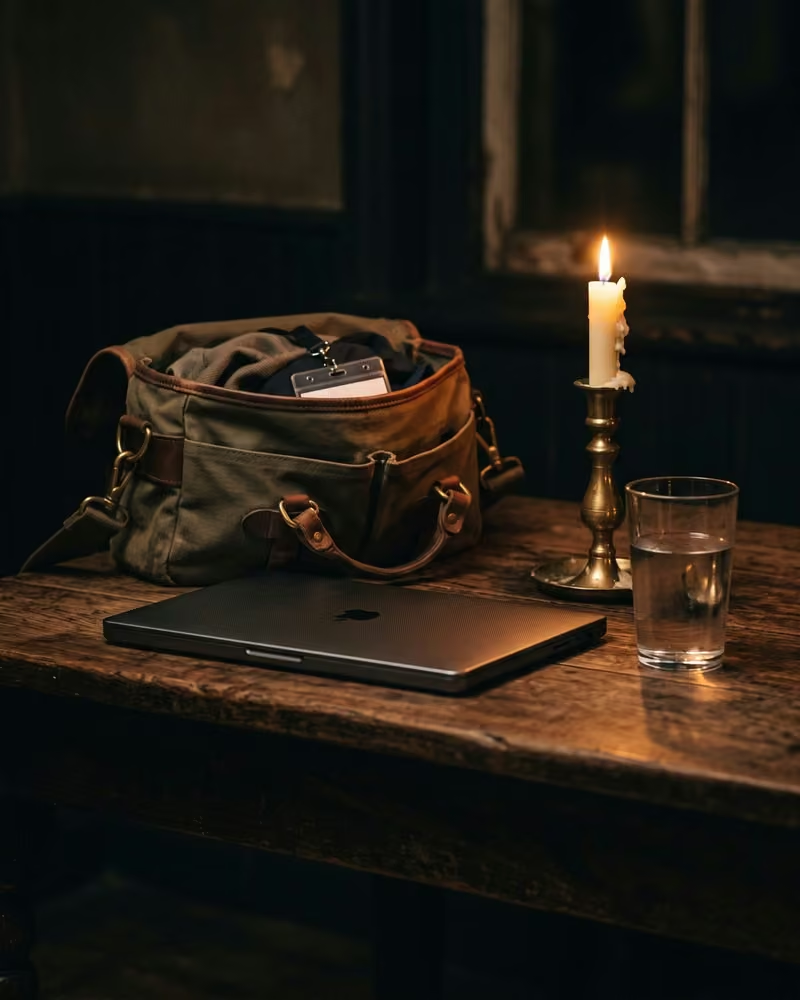
Shut down your laptop, take off your badge, tell yourself you are finished, then walk briskly to leave work behind.
- 5 min
- 5 steps
Why do it
It is for leaving work behind in your emotions too, at the end of the day, whether you walk out of a workplace or shut down your laptop at home.
How it goes
5 steps
End with a concrete gesture: shut down your laptop or close the door of your workspace.
At home, keep a mug, pens, a laptop or a corner of the house for work only.
If you have a work badge, take it off on purpose and put it in your work bag.
Tell yourself you are finished, and think that for today you are no longer responsible for your work.
Say
I’m finished.
Walk briskly as you leave your workplace, or on your way home.
You can also splash cold water on your face before leaving the building, or listen to a few minutes of classical music on the way home.
Pick a few gestures that suit you and repeat them every day.
What it is
It is a ritual that marks the end of the workday. Researchers recorded such rituals among nearly three hundred nurses, many of whom had one of their own.
What makes it magic
It is held that without a way to mark the end of the day and leave the stress of work behind, you are vulnerable to burnout and distress. One nurse takes off her badge on purpose; as she does, she tells herself “I’m finished” and thinks she is no longer responsible for her patients for the day. The nurses in the study said they used their rituals to “decompress” and “unwind”.
When
Whenever you like: the books give it no day and no Moon phase.
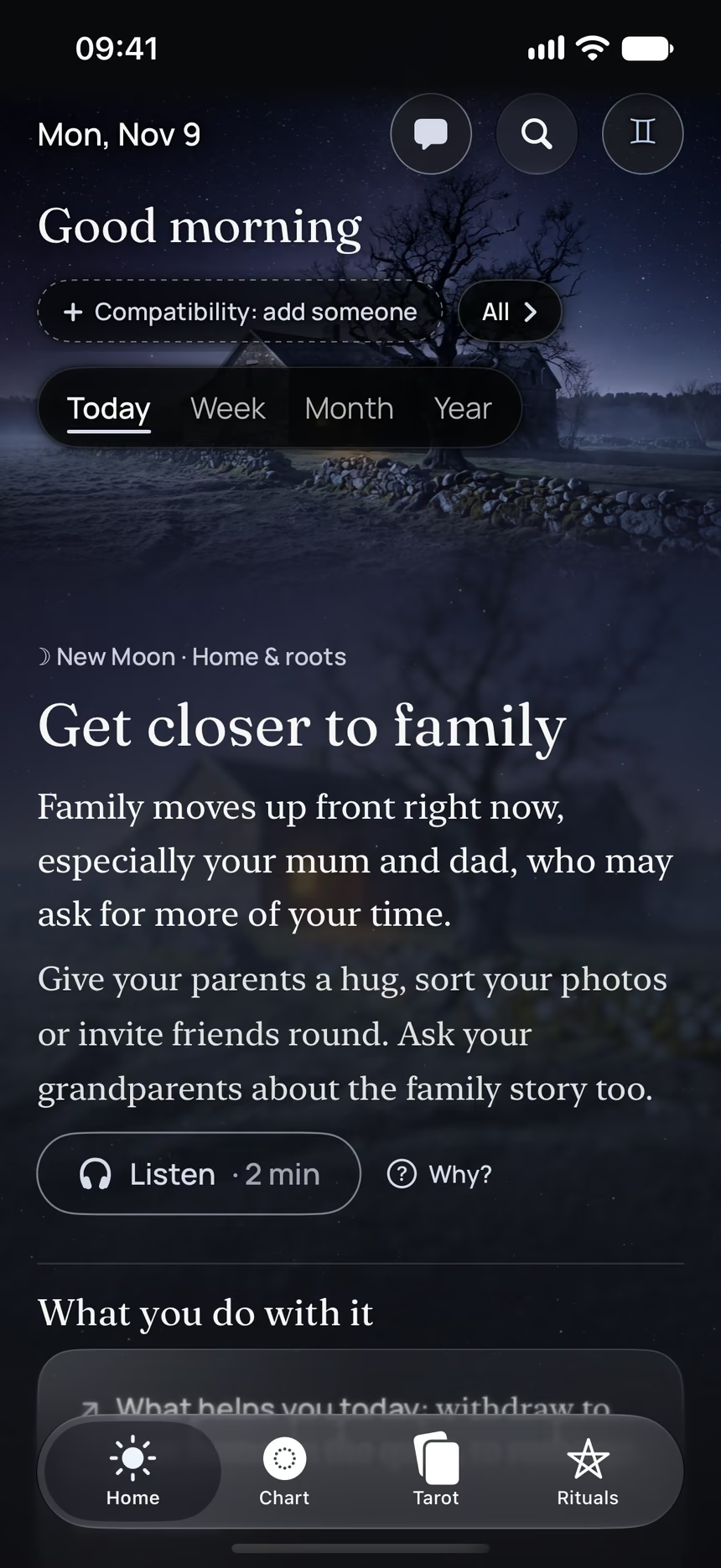
The Asteria app for iPhone
Rituals, guided step by step
Asteria is an astrology, tarot and ritual app for iPhone.
- Its 5 steps, guided one by one by voice, with the words to say.
- The reading of the day.
- Your complete chart.
Point your iPhone at this code.
Asteria is in free beta on iPhone. The button opens TestFlight, Apple’s app for betas: install it, then Asteria.
iPhone, iOS 26 or later
In the same family
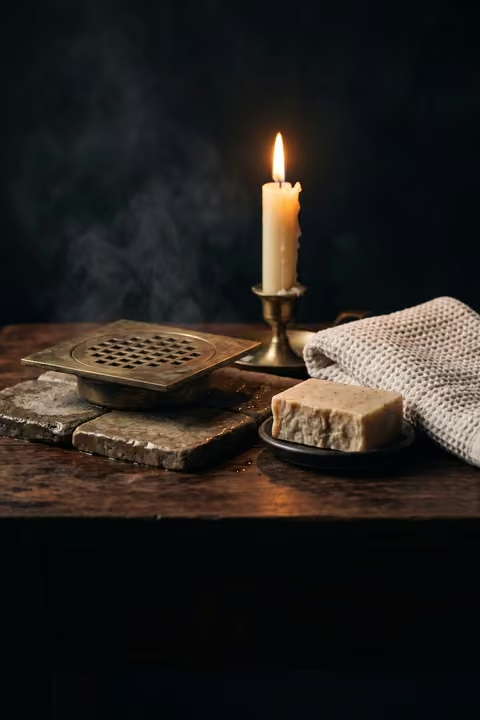 10 minThe shower that washes worries awayBack from work, take off your work clothes and take a long shower, picturing your worries going down the drain.
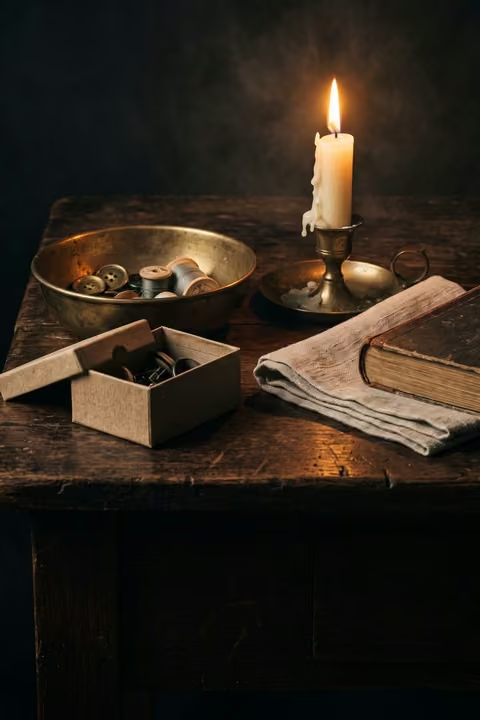 20 minSort your home, object by objectGo through the things in your home and ask of each one whether it serves you, and whether you will still cherish it later.
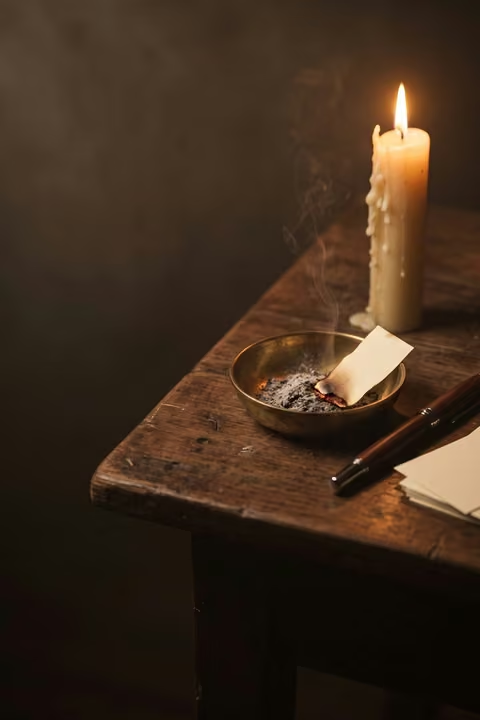 15 minSlips to burn, slips to keepAfter a change, write what you let go of and what you keep, burn the first slips and read the others later.
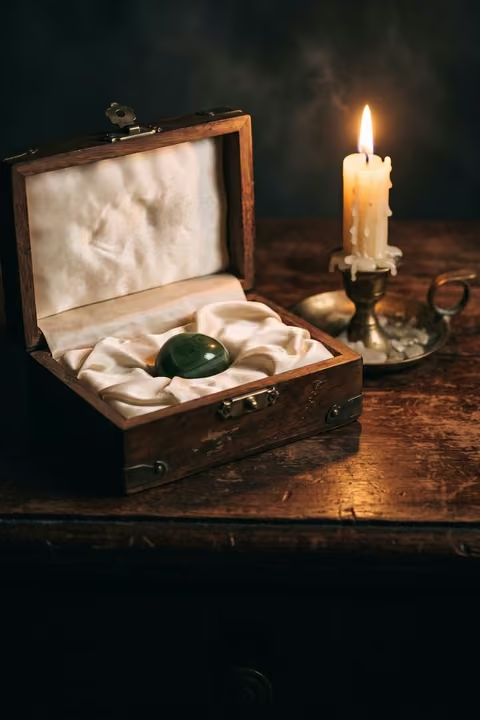 5 minA small object in a boxBefore a challenge, put a small object of yours in a satin-lined box and keep it on you until you step onstage.
 5 minShared reality in four statementsRead four statements while thinking of your partners, current and past, and see which ones are true for you both.
 10 minFind a ritual for twoTogether, look for the small gestures you already share, or start one.