Slips to burn, slips to keep
After a change, write what you let go of and what you keep, burn the first slips and read the others later.
- 15 min
- 5 steps
Why do it
It is for choosing what you leave behind and what you carry forward after a change. Do it after the change, then pick it up again a few days later with what you keep.
What you need
- Small slips of paper, for what you let go and what you keep
- A pen
- A bowl that can take fire
- Matches
How it goes
5 steps
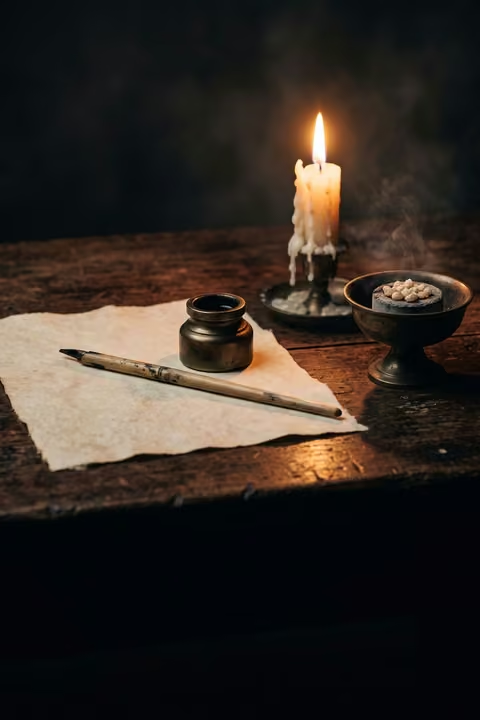
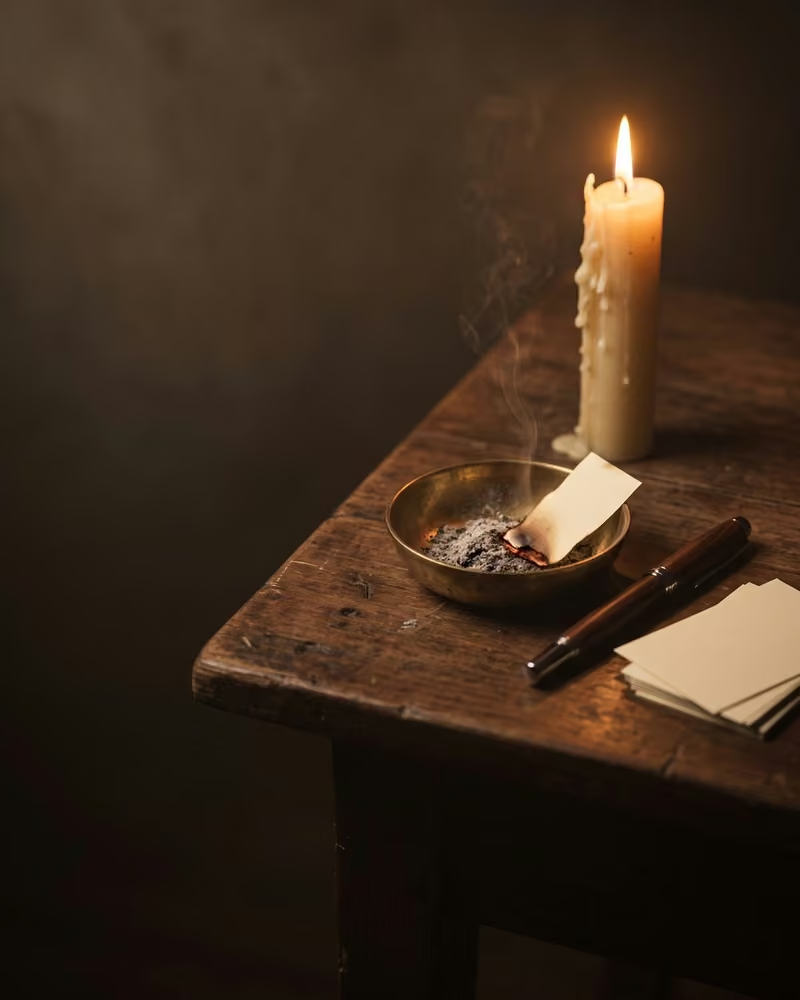
Sit at a table with small slips of paper, a pen, matches and a bowl.
On small slips of paper, write what you want to let go of after this change.
On other slips, write what you want to carry forward with you.
Over the bowl, light each “let go” slip with a match and let it burn.
The bowl must be able to take the fire, and you stay near a sink or keep water within reach. Hold each slip by a corner and let go of it before the flame reaches your fingers. Stay there until the fire is out, then wait until the ashes are cold before you throw them away.
Keep your “keep” slips: you will read them aloud in a few days.
What it is
An executive coach reports this group ritual, performed by the employees of a merged company.
What makes it magic
The most successful mergers are those where companies use rituals to keep some of the old, let some of it go and create new shared reference points. This one was a way of building a shared identity all at once; years later, some employees still had the photo of their “what we keep” wall as their desktop image.
When
Whenever you like: the books give it no day and no Moon phase.
A few days later, read your “keep” slips aloud, then post them on a wall.
The Asteria app for iPhone
Rituals, guided step by step
Asteria is an astrology, tarot and ritual app for iPhone.
- This ritual, guided step by step by voice.
- The reading of the day.
- Your complete chart.
Point your iPhone at this code.
Asteria is in free beta on iPhone. The button opens TestFlight, Apple’s app for betas: install it, then Asteria.
iPhone, iOS 26 or later
In the same family
 5 minA small object in a boxBefore a challenge, put a small object of yours in a satin-lined box and keep it on you until you step onstage.
 5 minShared reality in four statementsRead four statements while thinking of your partners, current and past, and see which ones are true for you both.
 10 minFind a ritual for twoTogether, look for the small gestures you already share, or start one.
 30 minAn awe walk for twoOn a weekend morning, get up right before sunrise and walk together to a place that fills you with wonder.
 10 minApologize in ten elementsAfter hurting someone, apologize in order: understand first, then say the ten elements of a good apology.
 10 minA tradition for someone you lostEach year, on a day that matters, redo what you most loved doing with the person you lost.