A check made out to you
Write yourself a check for the amount of money you would like to receive, right after your New Moon wishes.
- 5 min
- New Moon
- 4 steps

Why do it
The 2nd house is about your money, your belongings and your talents. When the New Moon falls there, you can start over on a new footing with your finances, look at what you have to offer the world and work on your self-esteem.
What you need
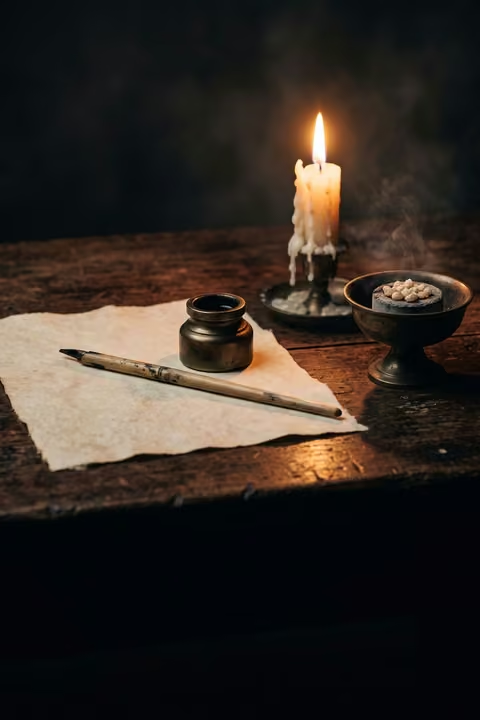
- A check
- A pen
How it goes
4 steps
Take a check and a pen. Do this right after your New Moon wishes: writing your wishes for the month on a sheet of paper, then picturing each one coming true.
No checkbook? Write it on a sheet of paper, laid out like a check. On a real check from your account, don’t sign it: once signed, it could be cashed.
Decide on the amount of money you would like to receive.
Write yourself a check for that amount, made out to you.
As on a real check: your own name as the payee, the amount in numbers and in words.
For the next four weeks, repeat one of these sentences every day, or all three: “I am happy, healthy, wealthy and wise”, “Thank you, Universe: all my needs are provided for”, “I’m worth it”.
What it is
It is a ritual for financial abundance, the one for the 2nd house among the twelve New Moon rituals.
What makes it magic
At the New Moon in the 2nd house, the one for money and possessions, the wish to make is for financial abundance, more self-esteem and that thing you really want. It is also the time to ask yourself whether your life is stable and, if not, what steps you can take to make it so.
When
- New Moon
The Asteria app for iPhone
Rituals, guided step by step
Asteria is an astrology, tarot and ritual app for iPhone.
- This ritual, guided step by step by voice.
- A reminder on the day it is done.
- Your complete chart.
Point your iPhone at this code.
Asteria is in free beta on iPhone. The button opens TestFlight, Apple’s app for betas: install it, then Asteria.
iPhone, iOS 26 or later
In the same family
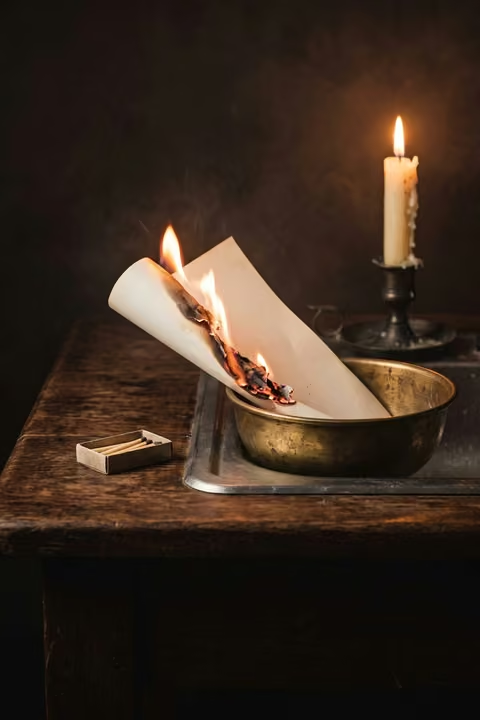 8 minBurn your list of fearsWrite a list of your fears, then burn it over the kitchen sink to let them go.
 15 minYour big wishing periodWrite up to forty wishes by hand while the Sun crosses your 11th house, the time of year when they have the most strength.
 25 minForgive and burn your listWrite down what you want to let go of and the names of those you resent, forgive them, then burn your list.
 10 minWrite your gratitude listWrite down what you are grateful for, burn the list, then say a sentence of gratitude, at the Full Moon.
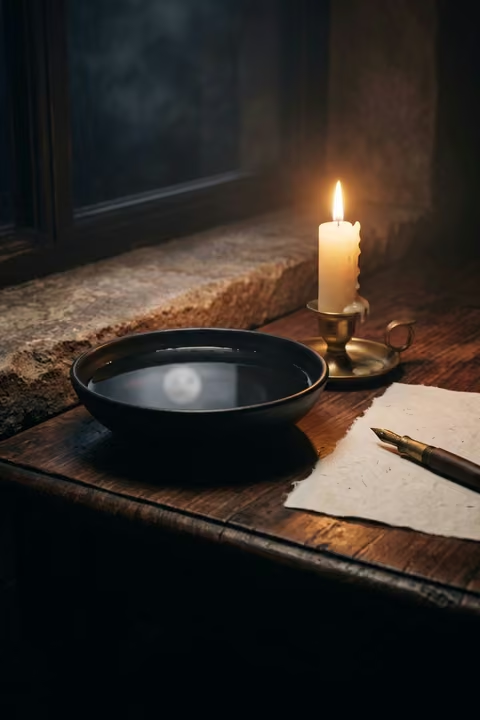 15 minLook at the Moon in waterWatch the reflection of the Full Moon in a bowl of water, let images come, then write whatever comes to you.
 3 minCleanse your jewelry under the MoonLeave your jewelry outside, somewhere safe, on the night the Moon is fullest, to cleanse it.