Burn your list of fears
Write a list of your fears, then burn it over the kitchen sink to let them go.
- 8 min
- New Moon
- 5 steps
Why do it
The 12th house is about your secret, most private self. When the New Moon falls there, you may want to retreat from the world for a few weeks: it is the end of a cycle, the time to let go of what isn’t working in your life to make room.
What you need
- Paper
- A pen
- A bowl that can stand the fire
- Matches
How it goes
5 steps
Settle near your kitchen sink with a sheet of paper, a pen and matches.
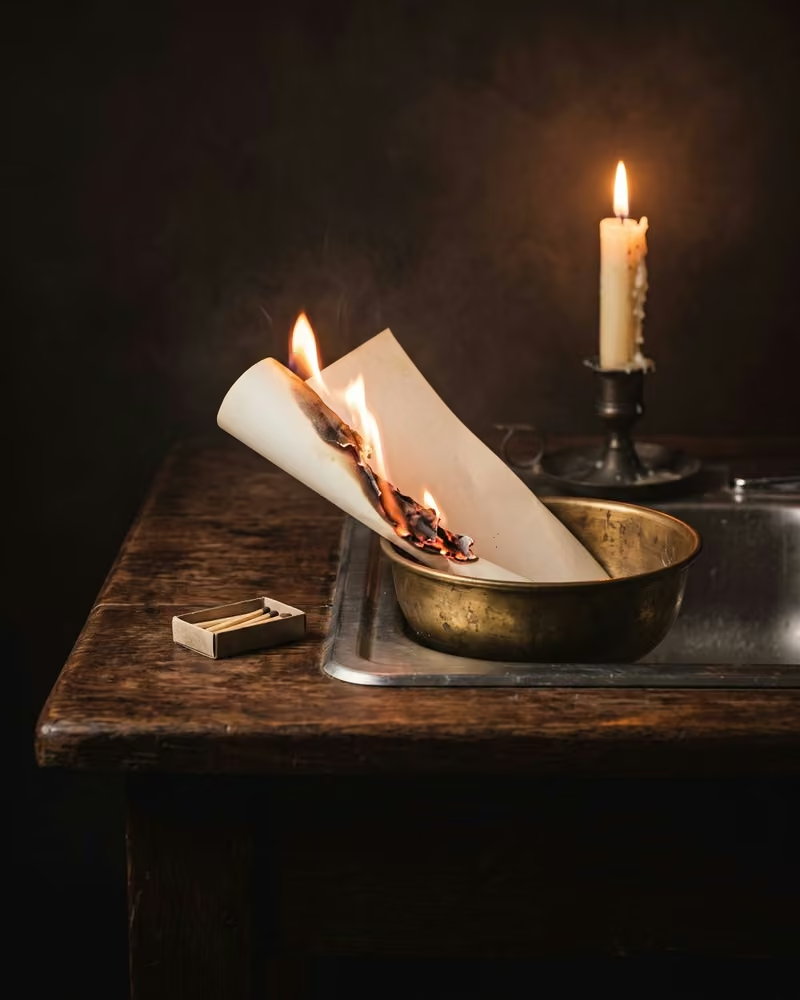
Also take a bowl that can stand the fire: you will burn the list in it.
Write a list of your fears.
Burn the list over the sink.
Burn it in the bowl, set in the sink, and let go of it before the flame reaches your fingers. Stay next to it until the fire is out, then wait until the ashes are cold before you throw them in the trash.
Now say this sentence.
Say
I now release my fears
For the next four weeks, repeat one of these sentences every day, or all three: “It’s okay to say no”, “Inner peace is my focus”, “I now release my fears”.
What it is
It is a ritual in which you burn a written list, a gesture this practice also knows for the wish list and the forgiveness list. It is given for the New Moon in the 12th house.
What makes it magic
This practice associates the 12th house, the one for your secret self, with fear and other negative things: when the Moon passes through that house, it is a good time to deal with them. At the New Moon in the 12th house, the wish to make is for inner peace, and you face one big fear by thinking about where it came from.
When
- New Moon
Good to know
Burn the list over the sink, so you don’t set the house on fire.
The Asteria app for iPhone
Rituals, guided step by step
Asteria is an astrology, tarot and ritual app for iPhone.
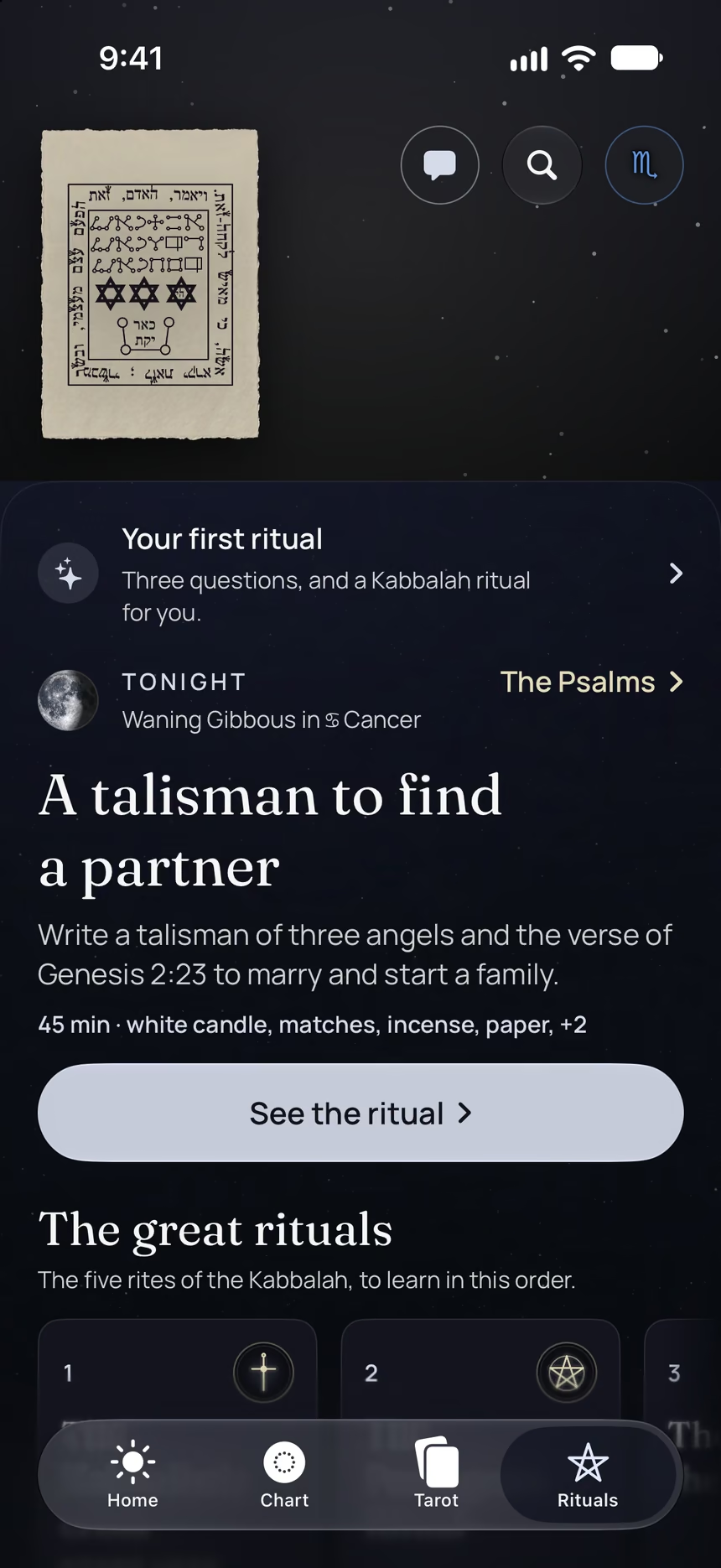
- Its 5 steps, guided one by one by voice, with the words to say.
- A reminder on the day it is done.
- Your complete chart.
Point your iPhone at this code.
Asteria is in free beta on iPhone. The button opens TestFlight, Apple’s app for betas: install it, then Asteria.
iPhone, iOS 26 or later
In the same family
 15 minYour big wishing periodWrite up to forty wishes by hand while the Sun crosses your 11th house, the time of year when they have the most strength.
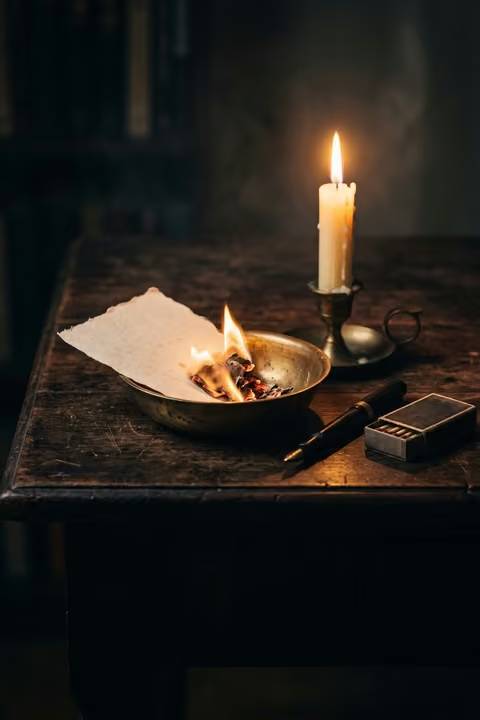 25 minForgive and burn your listWrite down what you want to let go of and the names of those you resent, forgive them, then burn your list.
 10 minWrite your gratitude listWrite down what you are grateful for, burn the list, then say a sentence of gratitude, at the Full Moon.
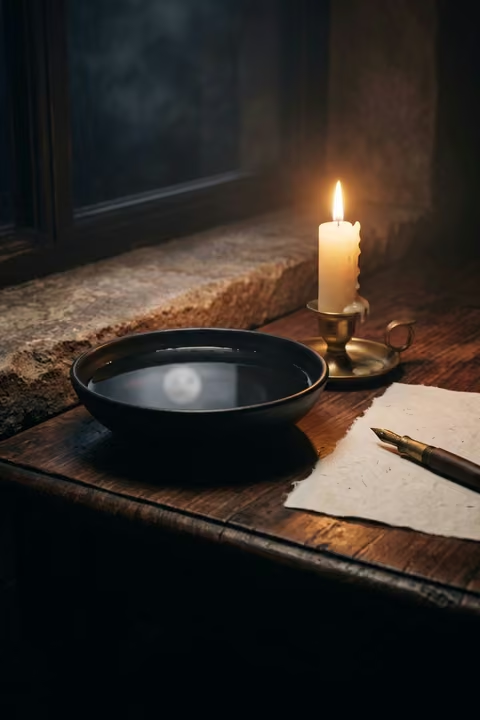 15 minLook at the Moon in waterWatch the reflection of the Full Moon in a bowl of water, let images come, then write whatever comes to you.
 3 minCleanse your jewelry under the MoonLeave your jewelry outside, somewhere safe, on the night the Moon is fullest, to cleanse it.
 10 minA walk under the MoonWalk under the Moon in the evening, even if you cannot see it, and leave a jar of water outside in its light.