Three days of dark Moon
Over three days, write what comes up, do a ritual around what you wrote, then rest.
- 15 min
- Waning crescent
- 5 steps

Why do it
The dark Moon is the last three days of the cycle, when the Moon cannot be seen, just before the New Moon. Each day can have its own gesture: write, act, rest.
What you need
- A notebook
- A pen
How it goes
5 steps
Settle in for the first of the three days before the New Moon. Take your journal and a pen.
Day 1: take stock of what is coming up for you right now, and write it in your journal.
Day 2, the next day: cast a spell or hold a ritual around what you wrote.
A ritual for letting go suits the dark Moon well, like any waning Moon ritual.
Day 3, the day after: rest, or do whatever best prepares you for the coming New Moon.
Write in your journal what you did, with the day and time, and what came up during or after.
What it is
It is a way of living through the Dark Moon, which many magic practitioners honor as a phase of its own. It closes the waning Moon, which runs from the Full Moon to the New Moon, and the whole lunar cycle.
What makes it magic
Traditionally, Dark Moon magic is associated with release work. If you have worked through a whole cycle, its main themes may come back at the Dark Moon, and it is then held that you must let them go and gently welcome what you feel about them. It is also held that this phase prepares the New Moon: you begin to call in the qualities of what you will choose to grow.
When
- Waning crescent
You can also live your dark Moon during the “official” New Moon: if you feel full of rage or exhausted without knowing why at that time, it may be your dark Moon.
The Asteria app for iPhone
Rituals, guided step by step
Asteria is an astrology, tarot and ritual app for iPhone.
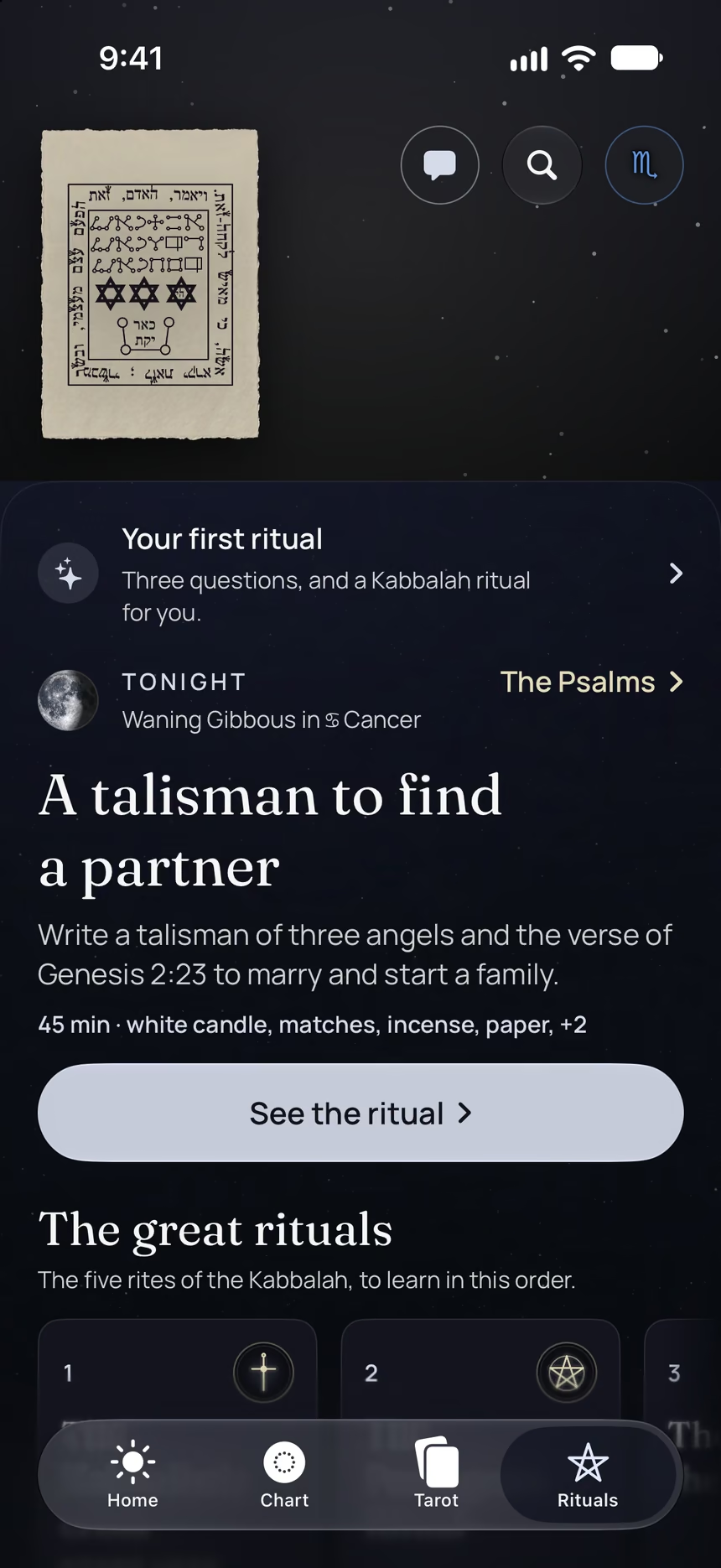
- This ritual, guided step by step by voice.
- A reminder on the day it is done.
- Your complete chart.
Point your iPhone at this code.
Asteria is in free beta on iPhone. The button opens TestFlight, Apple’s app for betas: install it, then Asteria.
iPhone, iOS 26 or later
In the same family
 10 minComfort after a disappointing Full MoonBreathe, silence your phone, put your hands on your heart and, if you can, go outside and cry under the Moon, then rest.
 10 minReally release a feelingFeel your emotion, name it, recognize where it comes from, give yourself compassion, then move it out of your body.
 6 minRelax with golden lightPicture a ball of golden light rising from your feet to your head, to relax and let the tension go.
 10 minContemplate a tarot cardLook at one tarot card for no more than three minutes, right after your relaxation, then write down what you felt.
 5 minKeep a journal of your ritualsAfter each ritual, write down the date, the Moon, the weather, your emotions and what you experienced, in a notebook of its own.
 10 minWrite down your dreams each morningWrite down each morning what you remember of your dreams, then copy it into a notebook, to spot what comes back.