Realize a wish in four steps
Move from a need to a real object in four steps: see it, imagine it, make it, use it.
- 10 min
- 5 steps

Why do it
This is a way of taking an idea to a real thing. If you have wanted something without managing to bring it into your life, you have probably neglected one of these four steps.
How it goes
5 steps
Identify what you need. For example: you need something to hold your papers and notes when you do a ritual.
Imagine the object in detail. In the example: made of wood, higher at the back than at the front so the papers sit at an angle, with a ledge along the front so they do not slide off, and a battery-powered light to shine on them.
Make it. In the example: buy the wood, cut it to size, assemble the stand and paint it.
Use what you have made.
Keep this order in mind for your next wishes: see the need, imagine it, make it, use it.
What it is
It is a method from the Kabbalah, the Jewish mystical tradition: the “Four Worlds” divide the Tree of Life, a central symbol of that tradition, into four parts, from the divine to the physical world.
What makes it magic
To show what the Four Worlds are for, we imagine that the divine wants to create a universe: it would first have to perceive a need, then see what is necessary, give it form, and finally bring it to life through action. These four stages are four worlds, from the highest, that of the divine thoughts, to the most concrete, the physical world. The ritual takes up these four stages for something you need.
When
Whenever you like: the books give it no day and no Moon phase.
The Asteria app for iPhone
Rituals, guided step by step
Asteria is an astrology, tarot and ritual app for iPhone.
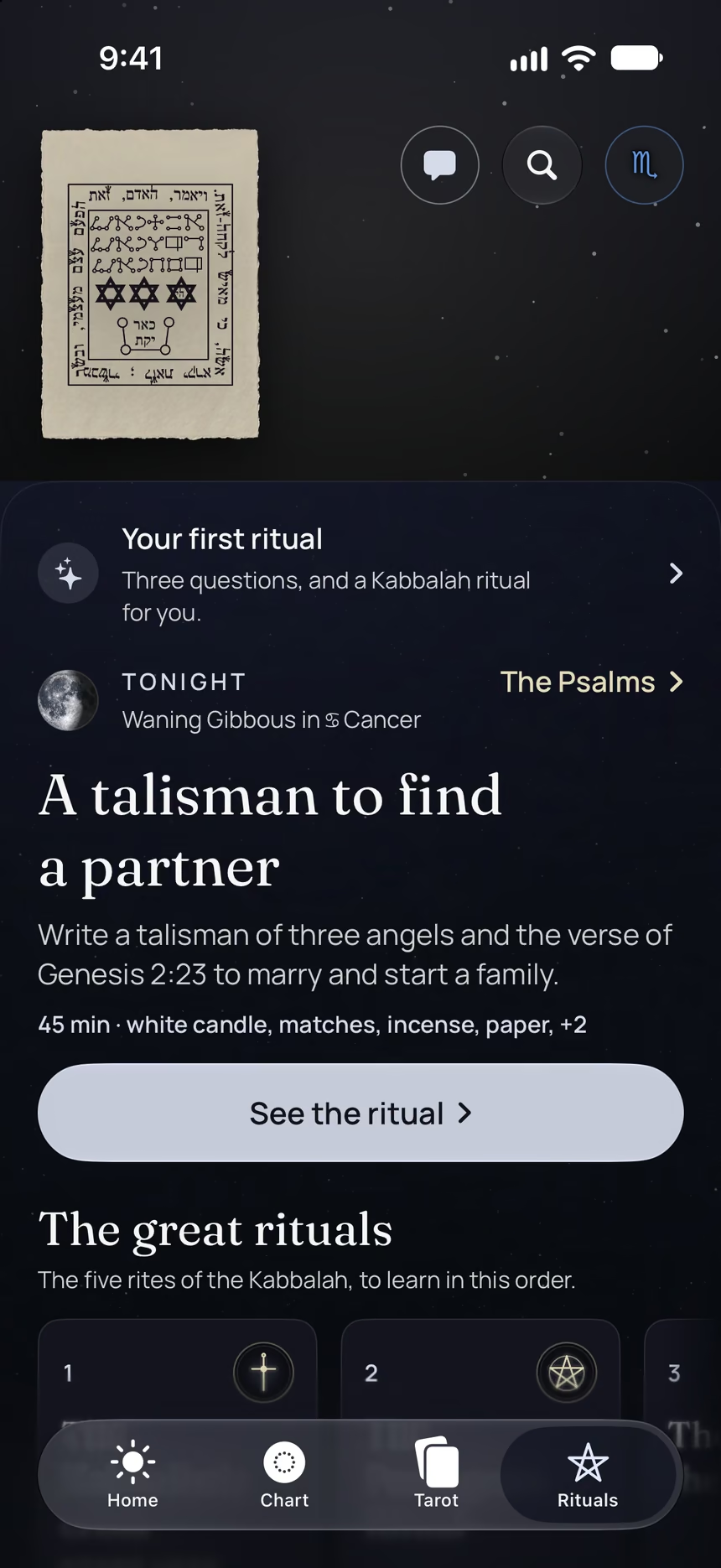
- This ritual, guided step by step by voice.
- The reading of the day.
- Your complete chart.
Point your iPhone at this code.
Asteria is in free beta on iPhone. The button opens TestFlight, Apple’s app for betas: install it, then Asteria.
iPhone, iOS 26 or later
In the same family
 5 minTwenty-one days of practicePractice a ritual every day for twenty-one days in a row, without a break, to help turn it into a habit.
 7 minWake yourself up with AirWhen you feel heavy and slow, fill an imaginary container with the Air within you, then take it back in one breath.
 3 minRelease your whole body at onceTense every muscle from your feet to your head, then let go all at once with your breath, to reduce excess stress.
 3 minBe Water for three minutesImagine you are the element Water: fluid, cool and moist, for three minutes at most.
 8 minRelax with WaterWhen you are stubborn and tense, put the Water within you into an imaginary container, then take it back in one breath.
 3 minBe Fire for three minutesImagine you are the element Fire: warm, dry, able to pass on your heat, for three minutes at most.