Draw a symbol without vowels
Remove the vowels from a word that says what you want, then merge the remaining letters into a single symbol.
- 10 min
- 5 steps

Why do it
This symbol is added to the words and other symbols you put on a talisman. Do it when you draw the talisman, before charging it, that is, giving it its magical power.
What you need
- Paper
- A pen
How it goes
5 steps
Take a sheet of paper and a pen. Choose a word that says what you want.
Write the word out in full, then remove all the vowels: only the consonants remain.
For example
thousand becomes thsnd
Push the remaining letters close together, tight against each other, to make one symbol.
For example, “woman” leaves w, m, n. The n is forced into an angle, and the whole looks like an X repeated four times, all jammed together.
Make the letters angular, turn one on its side, exaggerate the shape of another. With a little imagination you get a handsome, fairly complex symbol.
Keep your symbol on your paper. You can add it to a talisman.
What it is
It is a way of creating a symbol for a talisman, an object made to serve a specific purpose. It rests on the “alphabet of desire” of an artist and occultist whose ideas have strongly influenced modern magic.
What makes it magic
It is held that the unconscious thinks in symbols and images rather than in words. Your conscious mind may eventually no longer know what the symbol means: the idea is that your unconscious remembers it and acts accordingly, without the conscious mind getting in the way.
When
Whenever you like: the books give it no day and no Moon phase.
The Asteria app for iPhone
Rituals, guided step by step
Asteria is an astrology, tarot and ritual app for iPhone.
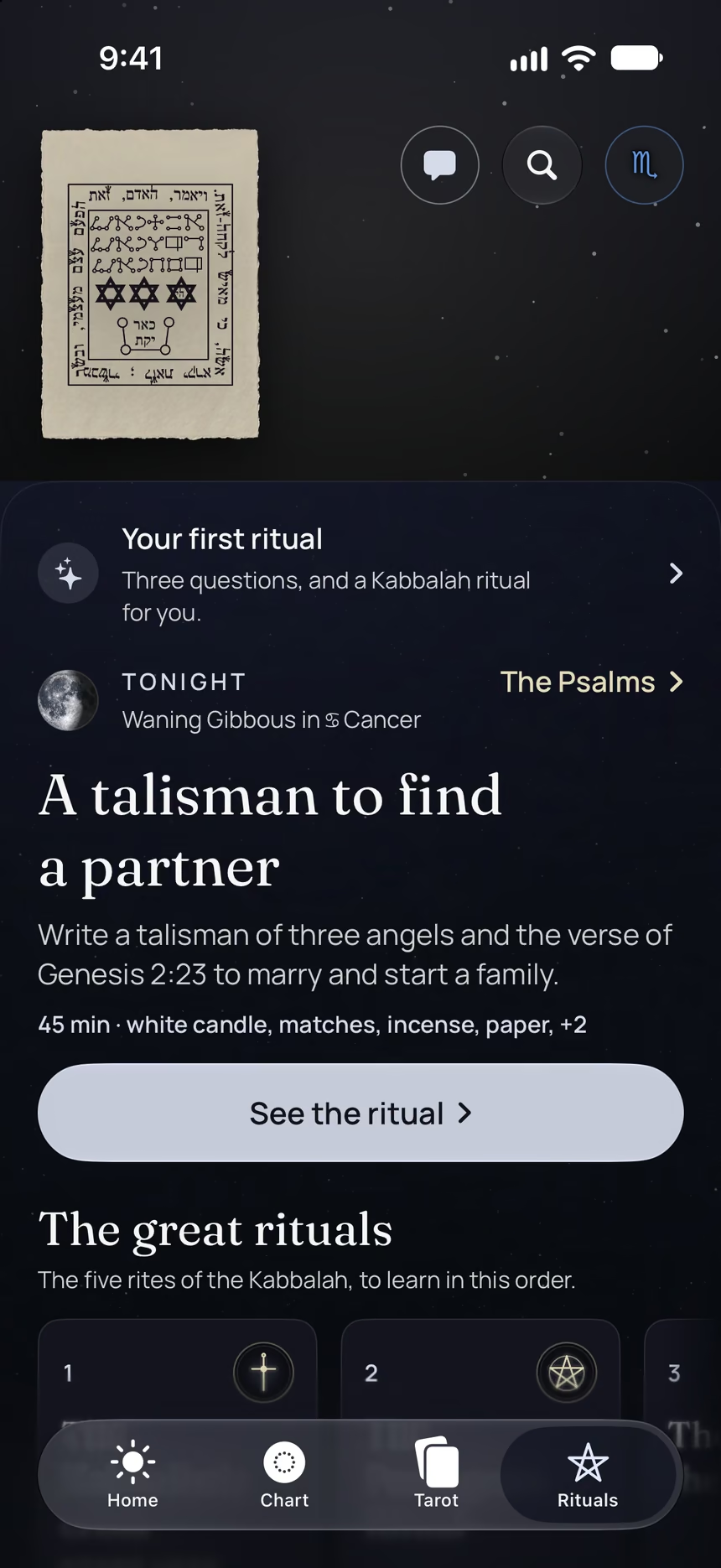
- This ritual, guided step by step by voice.
- The reading of the day.
- Your complete chart.
Point your iPhone at this code.
Asteria is in free beta on iPhone. The button opens TestFlight, Apple’s app for betas: install it, then Asteria.
iPhone, iOS 26 or later
In the same family
 5 minPurify an object under running waterHold an object under running water for about three minutes to purify it before making it a talisman.
 12 minCleanse an object in cold waterDip an object in a glass of cold water to cleanse it, then hold it while thinking strongly of what you want for yourself.
 8 minA guardian statue at your doorPurify a small statue, cup your hands around it while repeating a word in your mind, then set it near your front door.
 10 minA jar of coins and honeyFill a jar with fourteen coins, honey, and rosemary to call in money, then shake it twice a day.
 10 minPrepare your wallet for moneyPrepare your wallet on a waxing Moon to call in money: incense, visualization, a bill, coins, and bay leaves.
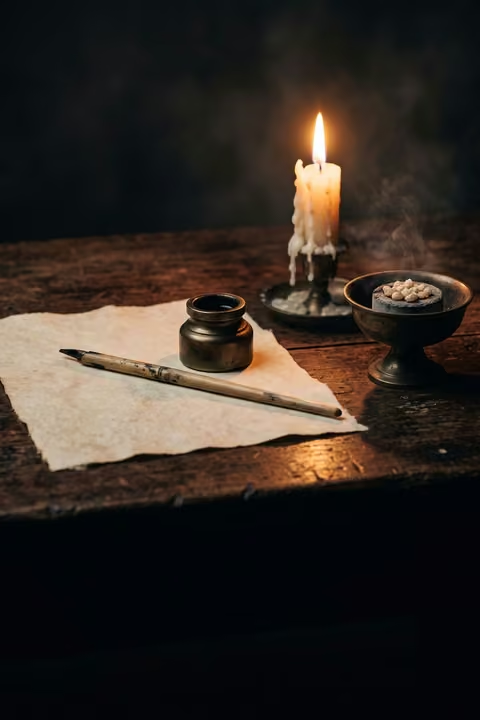 25 minCall for success with a verseWrite a verse from Genesis on a paper talisman, then say it again morning and evening for seven days, for a new start.