Chant the mantra Hum
Chant the mantra Hum to strengthen your throat chakra, the one through which you express your will.
- 4 min
- New Moon
- 4 steps

Why do it
The 3rd house is about communication: listening, talking, writing, and time with your brothers and sisters. When the New Moon falls there, you get a chance to start over in what you say and what you write.
How it goes
4 steps
Picture a spinning sky-blue light at the base of your throat: this is the throat chakra.
Choose how to chant: out loud or silently.
Chant the mantra Hum.
Say
Hum
A mantra is a word or sound that you repeat, out loud or silently.
Chant Hum every day this month, out loud or silently, at a time that suits you. You can also repeat one of these sentences every day, or all three: “I am expressing myself clearly, kindly and fearlessly”, “I listen as much as I speak”, “My relationship with my sibling or neighbor gets better and better”.
For example in the shower, before or after meditating.
What it is
It is the chanting of a mantra: a word or sound repeated out loud or silently. Hum is one of those mantras, a sacred Sanskrit sound used through the ages.
What makes it magic
In this practice, a chakra is an energy center of the body, usually invisible. Chanting Hum is meant to strengthen the throat one and bring it into balance, and life is then held to flow more easily. For the throat, the idea is that you need to express yourself clearly to create the life you dream of: it is held that this is the chakra through which you express your will, and that your will affects your life.
When
- New Moon
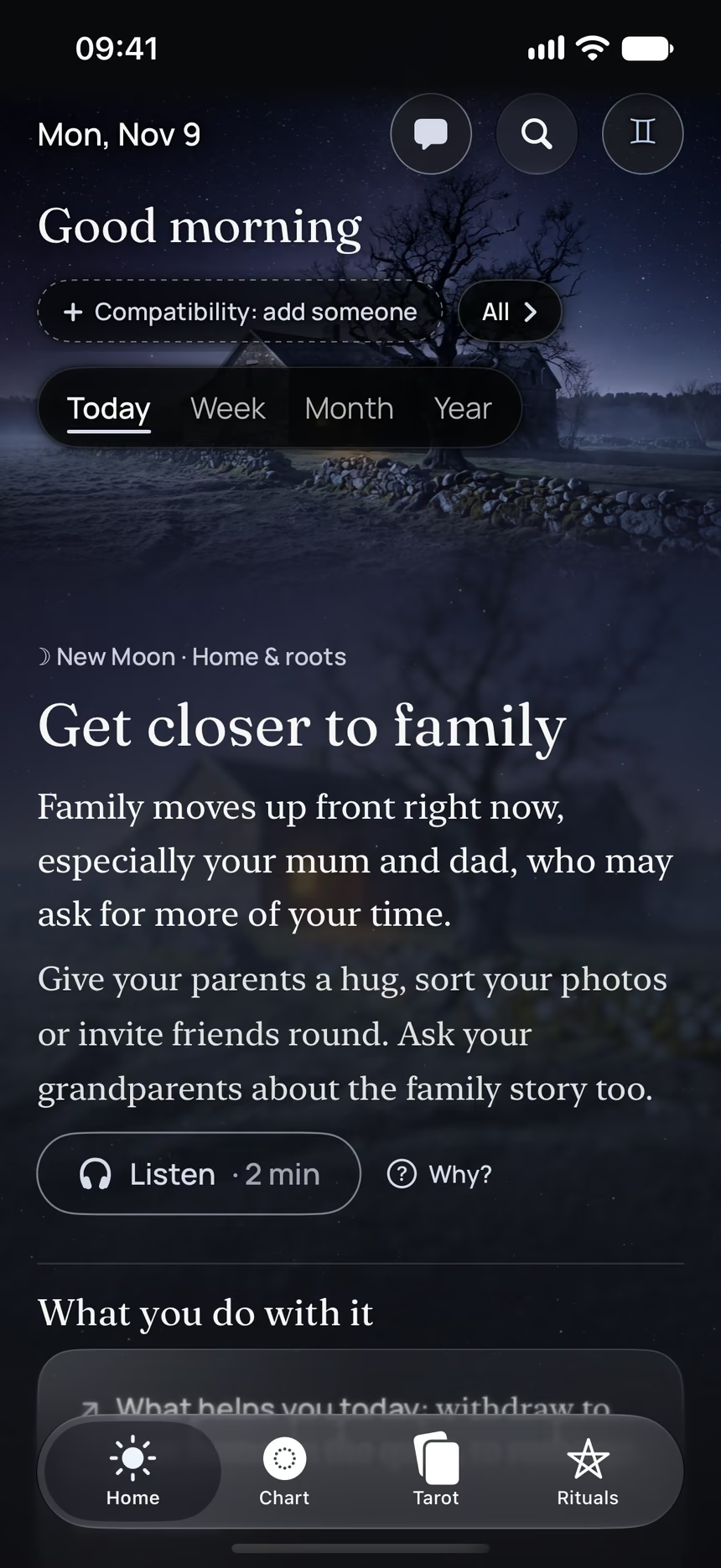
The Asteria app for iPhone
Rituals, guided step by step
Asteria is an astrology, tarot and ritual app for iPhone.
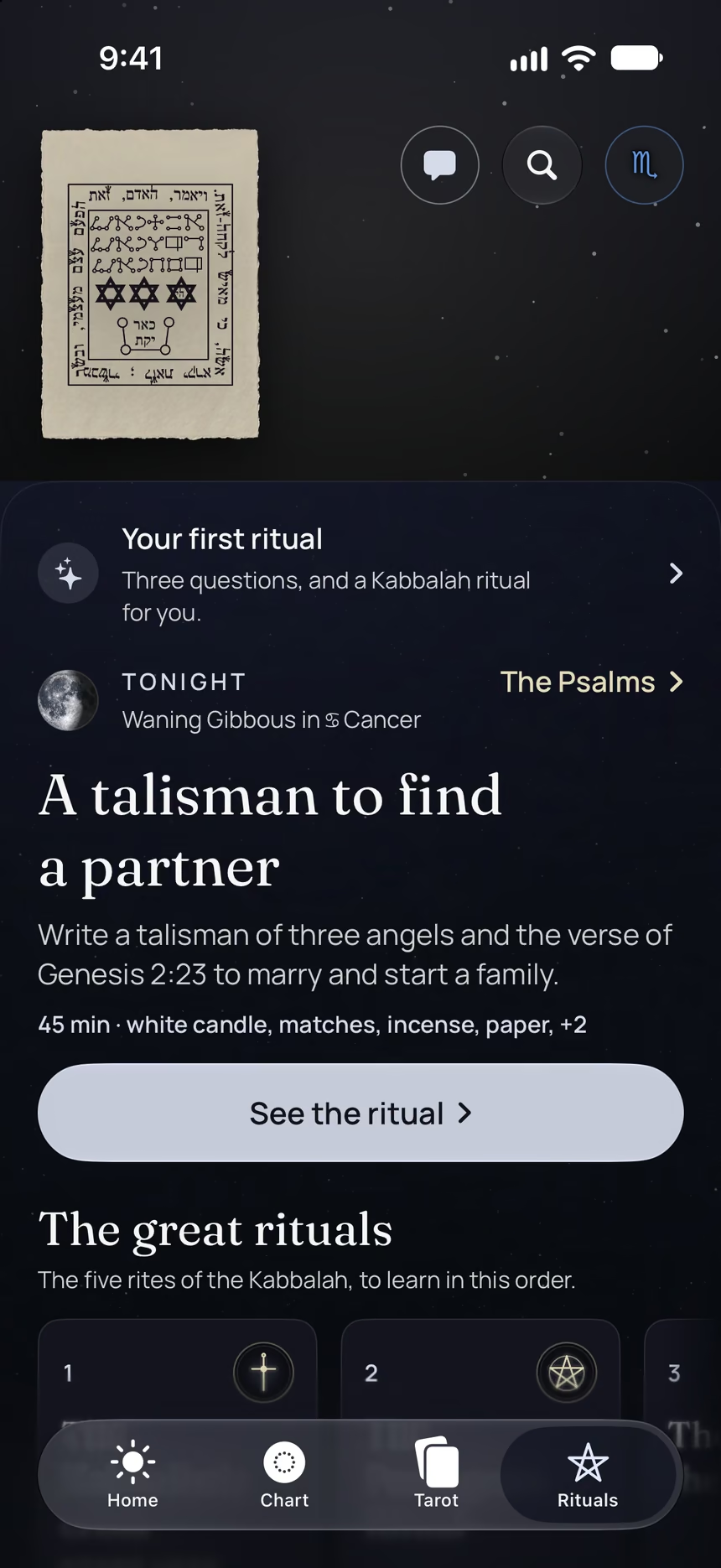
- Its 4 steps, guided one by one by voice, with the words to say.
- A reminder on the day it is done.
- Your complete chart.
Point your iPhone at this code.
Asteria is in free beta on iPhone. The button opens TestFlight, Apple’s app for betas: install it, then Asteria.
iPhone, iOS 26 or later
In the same family
 10 minThe family drawingDraw your family surrounded by a big heart and send love to each person, one by one.
 3 minLaugh out loudLaugh out loud for a good minute or two, without worrying about feeling silly.
 5 minBless your plannerLook at your planner and the week ahead, then bless them by wishing them well, in your own words.
 10 minThe love noteSend a love note, on paper or by email, to someone you love.
 10 minThe destination on your wallDecide on your next travel destination and put a picture of the place on your wall to remind yourself of your plans.
 15 minYour ideal job descriptionWrite out your ideal job description, then read it through every day this month.