A Song of Songs seal for the soulmate
Write a seal with Song of Songs 2:16 to meet your soulmate or strengthen a couple’s vow.
Why do it
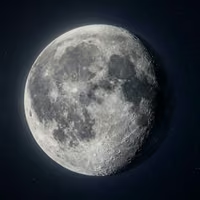
A seal for two cases: meeting your soulmate, or, if you have already found them, strengthening your vow of love. In the second case, each of you draws the talisman on blank parchment or plain paper and gives it to the other as a pledge of commitment. Write it on a Thursday, at the hour of Jupiter, if you can with Jupiter in its domicile and in good aspect, in trine with the Moon.
The verse it carries
Song of Songs 2:16
- My beloved is mine, and I am his, That feedeth among the lilies.דּוֹדִי לִי וַאֲנִי לוֹ הָרֹעֶה בַּשּׁוֹשַׁנִּים׃Dodi li va’ani lo haro’e bashoshanim
The reading in Latin letters follows today’s pronunciation; the four-letter name is said Adonai.
How it’s written
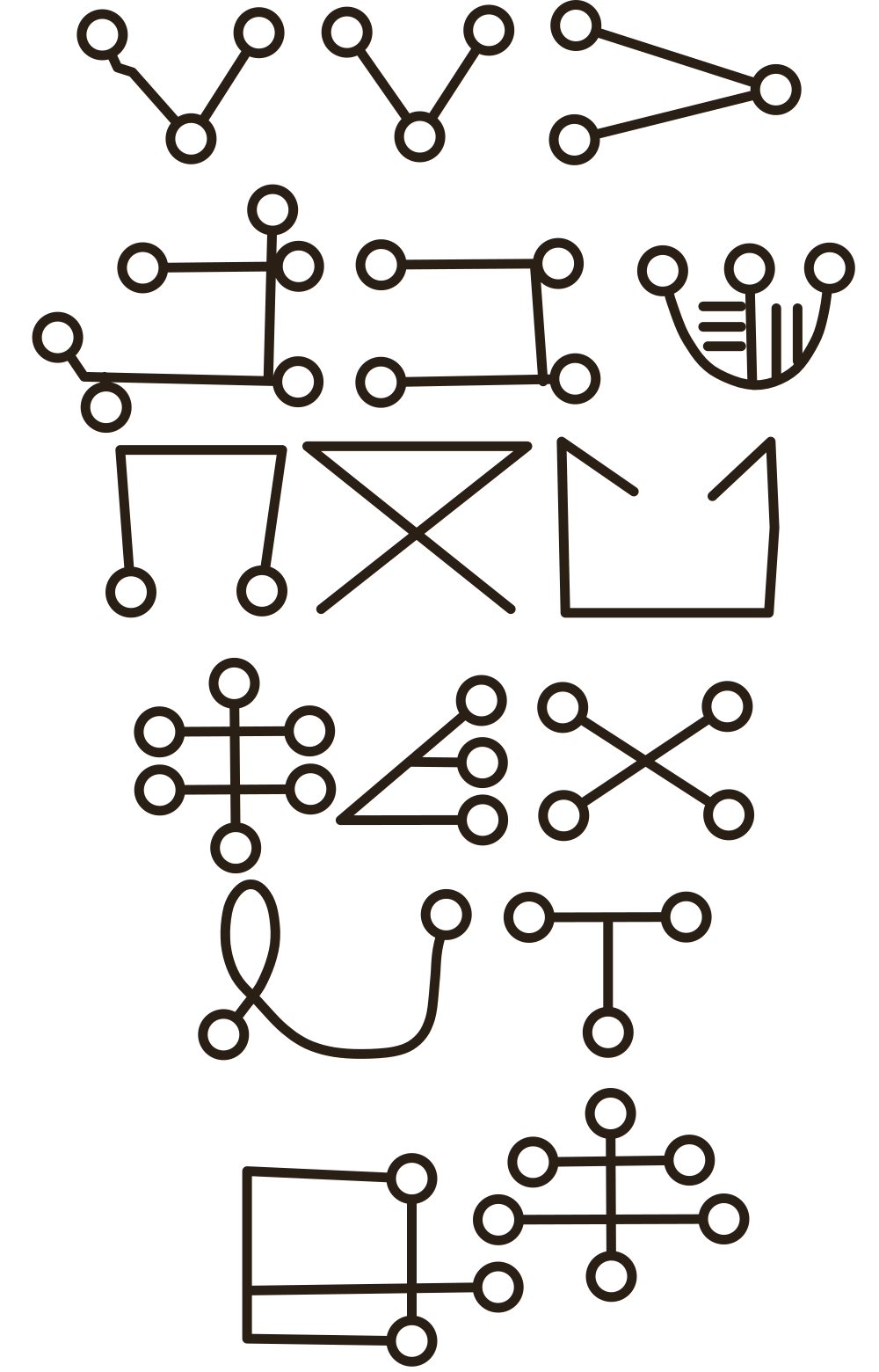
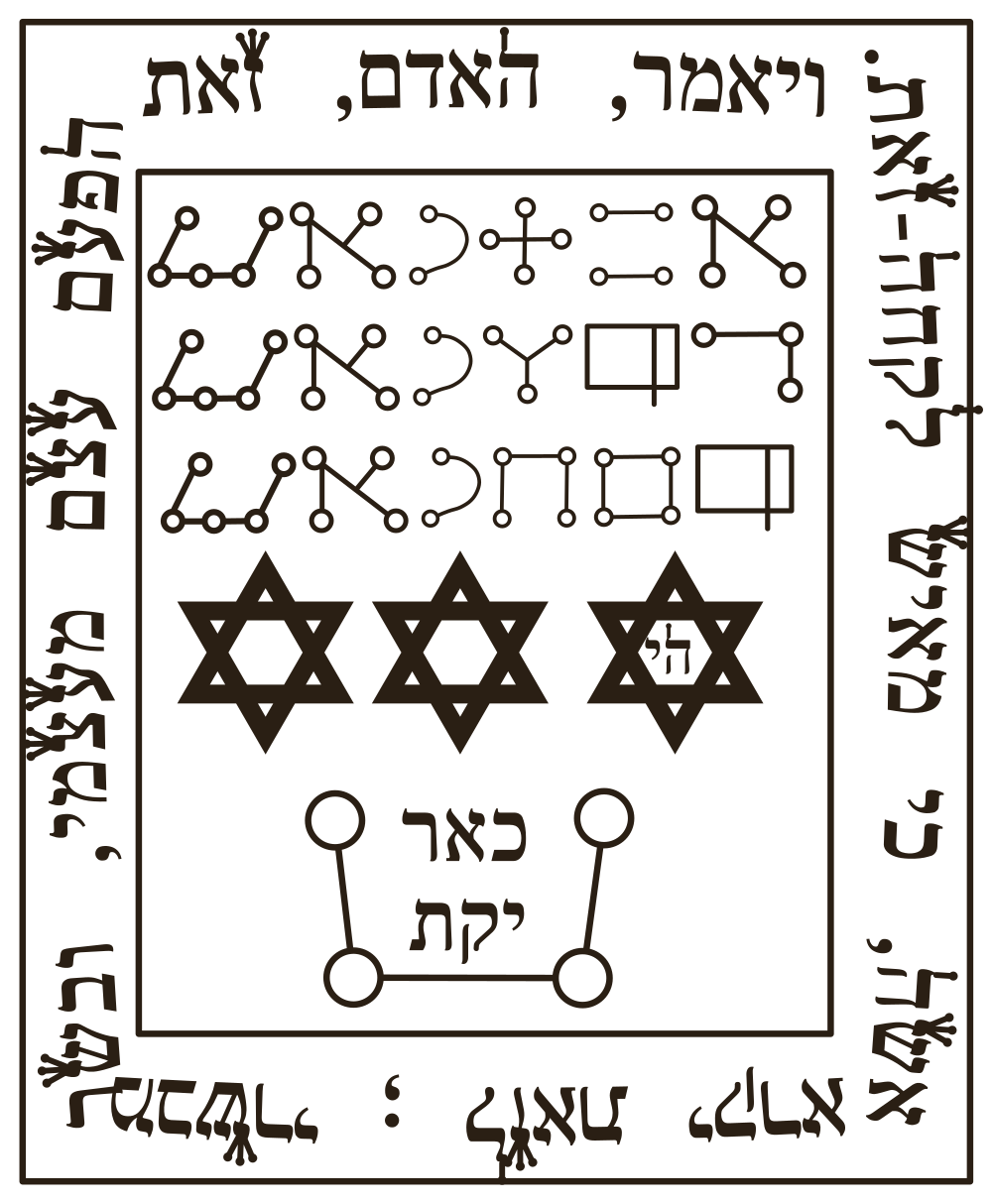
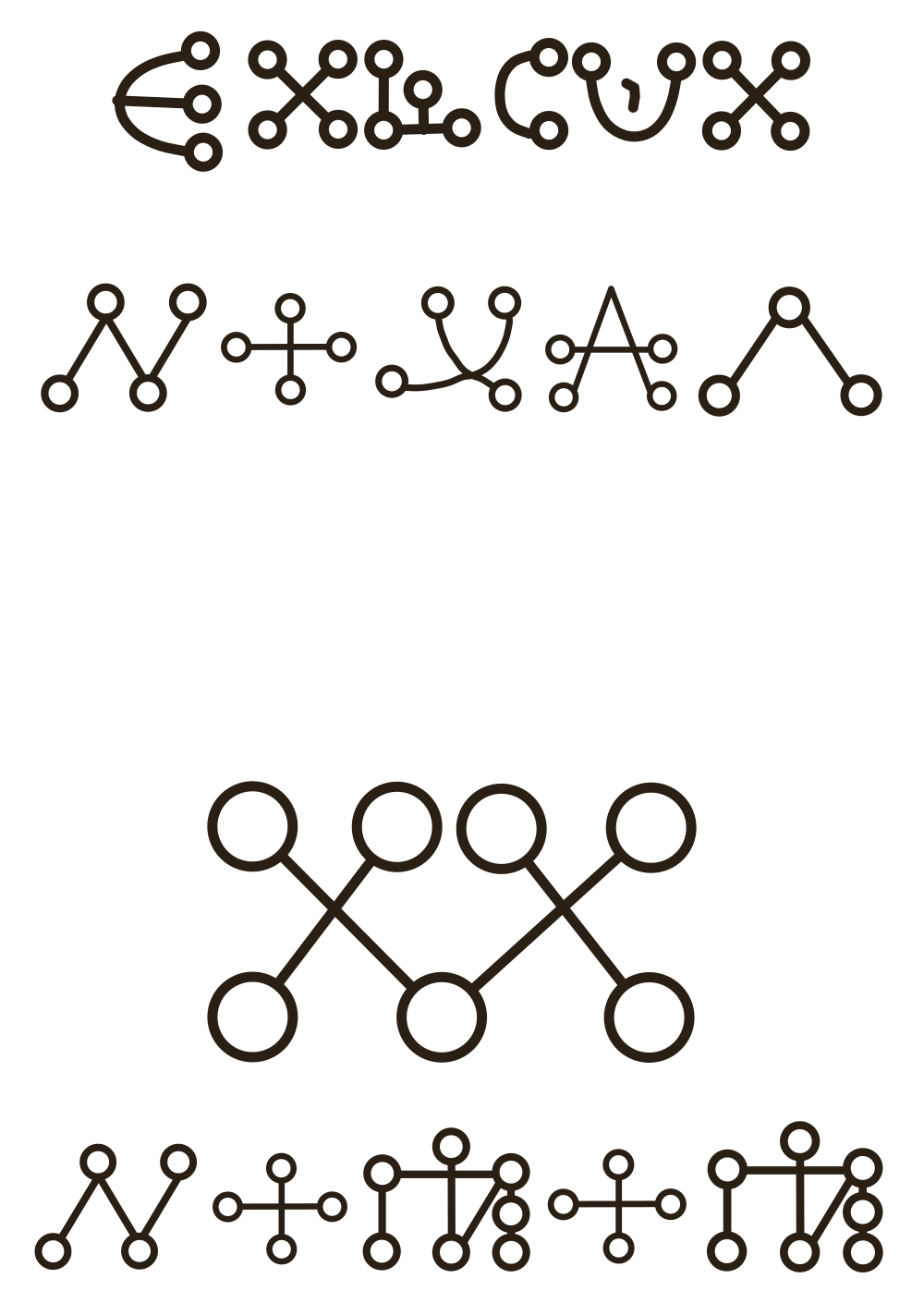
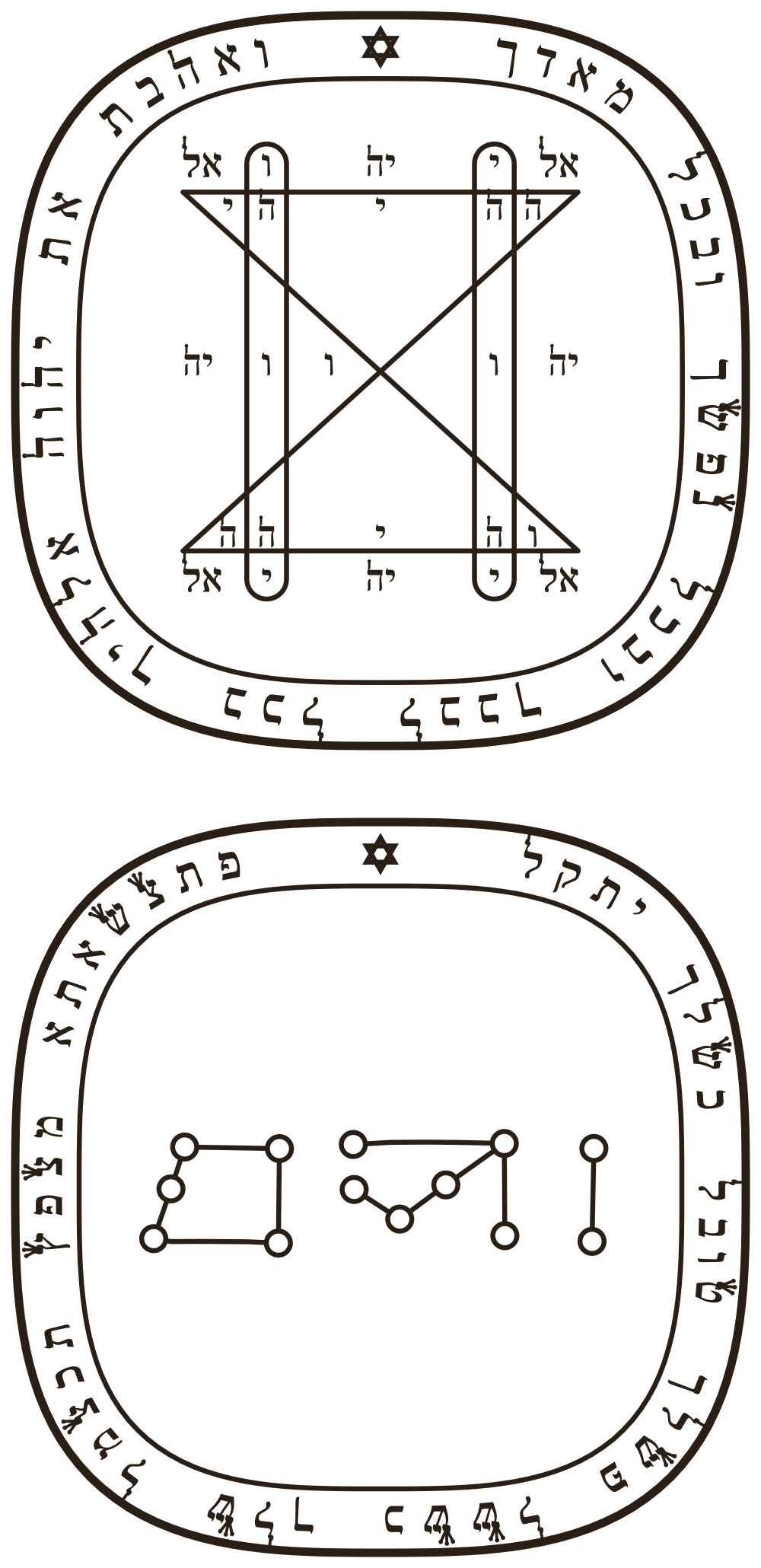
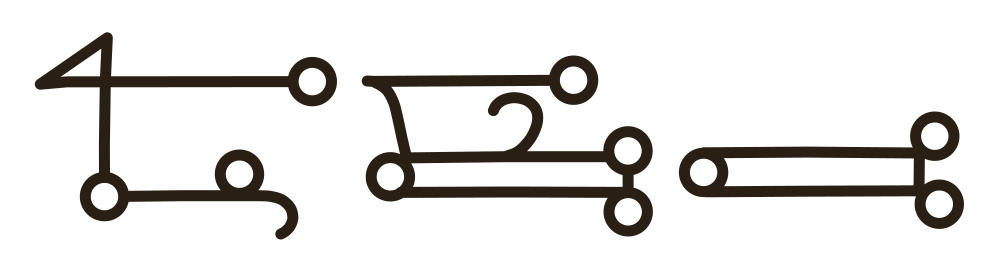
You write it in the order you see it drawn: first its figures, then its letters. You do not need to read Hebrew: copy what you see, letter by letter, with pen and ink.
Hebrew is written from right to left: start each line on the right.
- The frame
- The letters, in the “Tzadkiel” alphabet
- The letters, in Hebrew
- The seal
What makes it magic
The tradition makes the soulmate a quest whose reward matches the effort. The three angel names are written in the alphabet of Tzadkiel, on a Thursday in the hour of Jupiter. The ink mixes rose water and saffron, a solar scent of the talismans in which recognition and love are sought. The incense mixes saffron with powdered mandragora, whose Hebrew name shares a root with “beloved”, and the mandragora root is carried on you with the seal, in a small red silk or leather bag.
The Asteria app for iPhone
Rituals, guided step by step
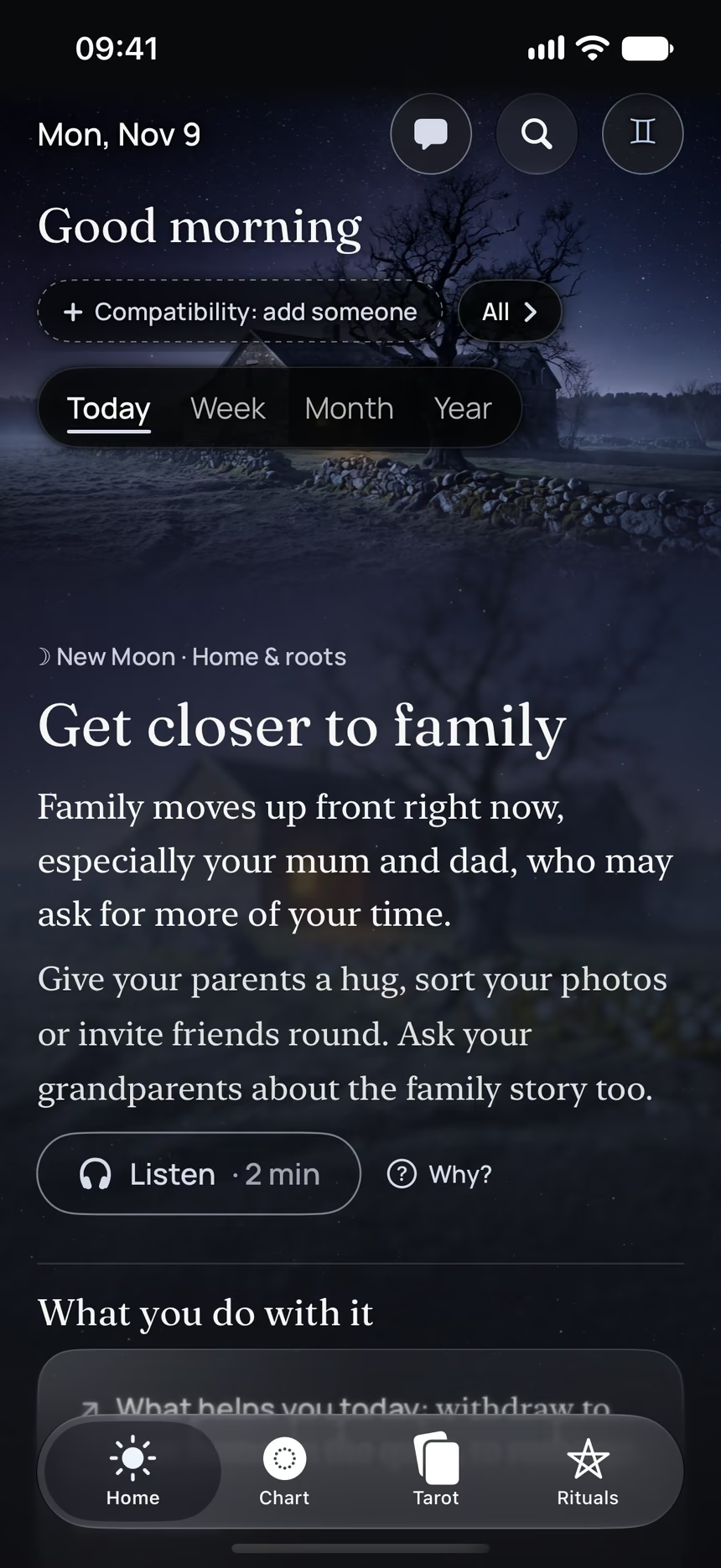
Asteria is an astrology, tarot and ritual app for iPhone.
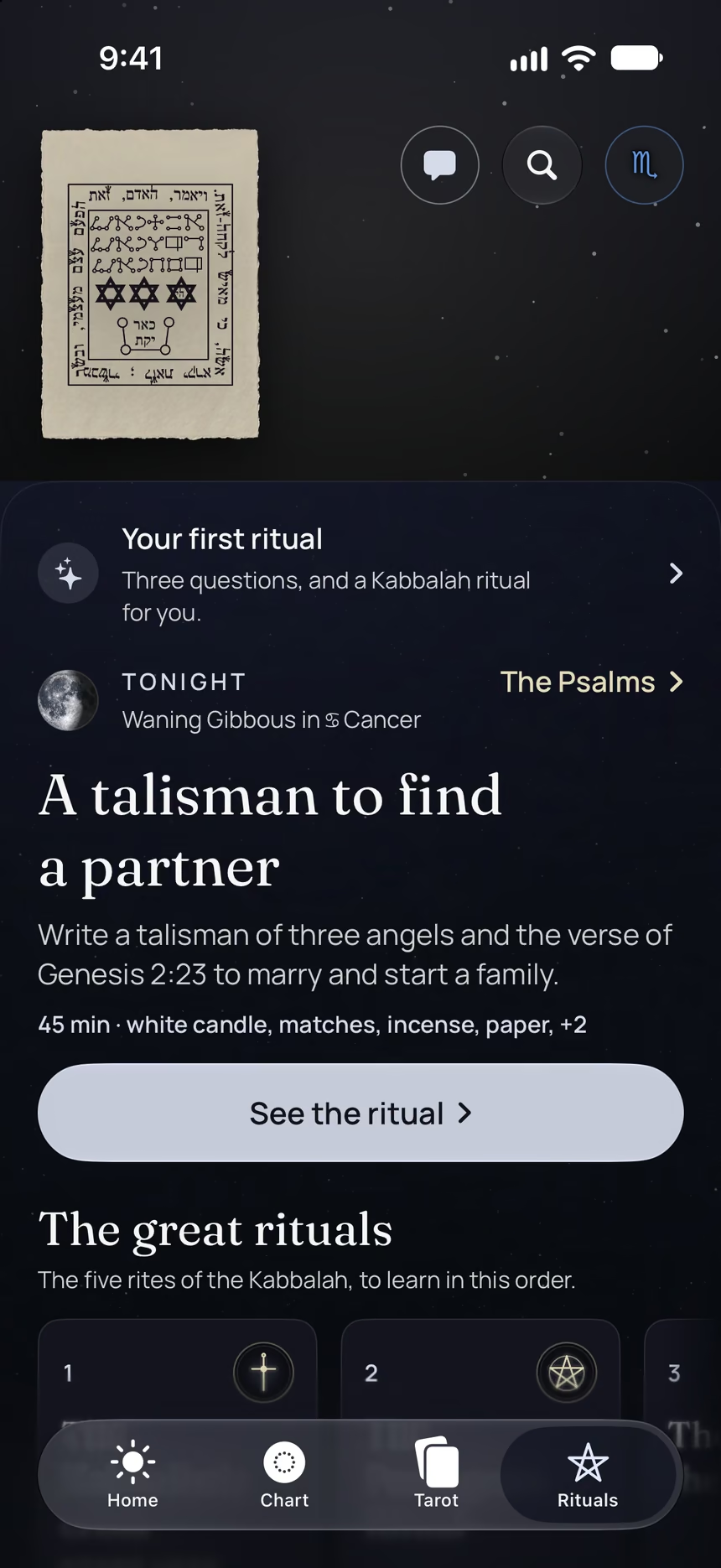
- The talisman to copy out letter by letter, on your screen.
- The day the Moon favors your request, to write the talisman.
- Your month of Kabbalah: the great rituals, one week each.
Point your iPhone at this code.
Asteria is in free beta on iPhone. The button opens TestFlight, Apple’s app for betas: install it, then Asteria.
iPhone, iOS 26 or later